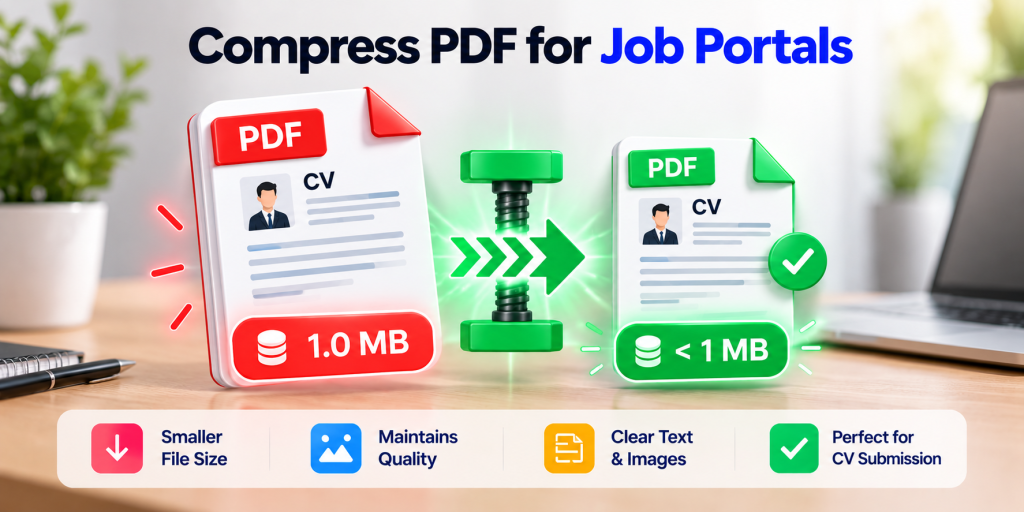
Compress a PDF to Under 1 MB on iPhone
To shrink a PDF for an application portal, scan only the pages you need, crop tightly, use a black-and-white or grayscale filter for text documents, then use your scanner app’s file-size reduction option. Check the size in the Files app before uploading, and confirm the file still ends in .pdf.
Why Your PDF Gets Rejected?
You finish your CV, certificates or transcripts, hit upload, and the portal says “File too large.” Phone cameras capture high-resolution images, and a multi-page scan can reach several megabytes quickly. Most application systems set a hard size cap per file, and the limit varies from portal to portal. Always check the exact number in the portal’s instructions, because it may be in KB or MB.
ZIP Is Not the Same as a Smaller PDF
This is the most common mistake. The Files app on iPhone can compress a file into a ZIP archive. According to Apple, selecting a file and tapping Compress creates a ZIP file with the same file name in that folder. That’s useful for emailing a file, but a ZIP is not a PDF. Most job and admission portals only accept a PDF, so a zipped file will usually be rejected.
What you need is a smaller PDF, so make sure your final file is still a PDF.
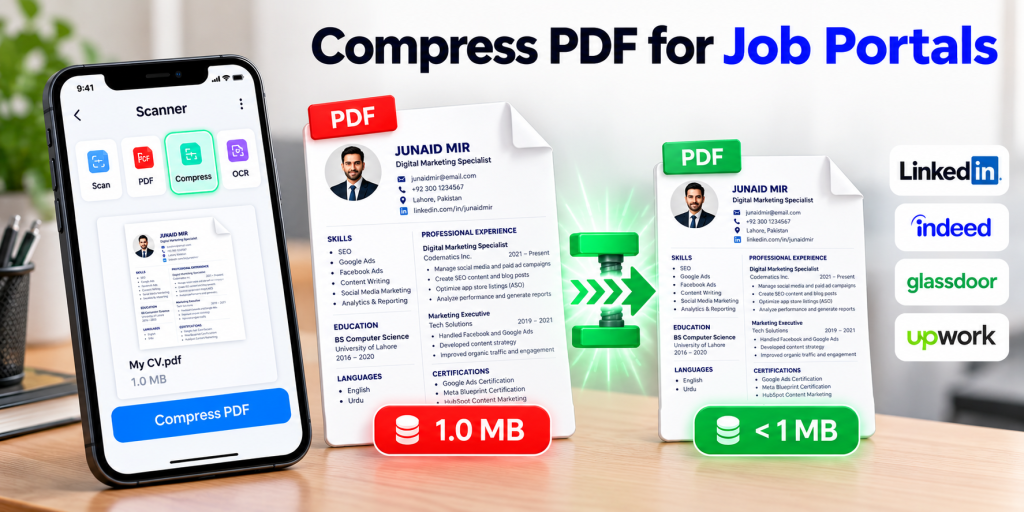
Step-by-Step: Make a Small PDF With Scanner App: Scan Document PDF
SnapScan: Scan Document PDF lists cropping, filters, multi-page scanning and file-size reduction among its features. Here’s a workflow that keeps files small:
- Scan only what’s required. Every extra page adds weight. Check the portal’s list of required documents first.
- Use good light and a flat surface. Clean, sharp edges give the compressor less noise to preserve.
- Crop tightly. Remove table, shadow and background so you don’t pay for empty pixels.
- Choose a black-and-white or grayscale filter for text-only pages like transcripts, CVs and letters. Keep color only where it matters, such as a photo ID.
- Export as PDF, then use the app’s size-reduction option if available. Check whether it’s included in the free tier.
- Check the size. In the Files app, long-press the PDF and tap Get Info.
- Repeat if needed. If the file is still too big, rescan with a stronger filter or split the documents across several uploads if the portal allows it.
Practical Size Targets
Limits differ, so treat these as rough planning guidance rather than guarantees:
| Typical portal limit | What usually works |
|---|---|
| Around 200 to 500 KB | Black-and-white filter, 1 to 3 pages, tight crop |
| About 1 MB | Grayscale text pages, a few pages combined |
| 2 to 5 MB | Mixed pages with a color photo ID |
Actual results depend on the document and the app. Always confirm with Get Info before uploading.
Similar to this: Estate Sale Coin Hunt: How to Find Valuable Coins
Tips for Specific Documents
- CV or resume: Export from your word processor where possible. A native PDF is far smaller than a scan of a printout.
- Transcripts and certificates: Use the grayscale filter, since the seal and text stay readable.
- ID card or passport: Keep colour if the portal requires it, but crop tightly and scan front and back as separate pages if needed. Never scan sensitive IDs on a shared device.
- Photos and portfolios: Scan one page per sample and avoid full-page photos when a thumbnail will do.
Keep Sensitive Documents Safe
Before you upload anything, check where the file is stored and who can access it. The developer’s App Store privacy label for Scanner App states that no data is collected. Apple notes that this information is developer-reported and not verified. For general guidance on protecting personal information, see the FTC’s IdentityTheft.gov. To learn how Apple’s built-in scanner works as an alternative, see Apple’s scanning guide.
FAQ
How do I compress a PDF on iPhone without losing quality?
Scan at good quality, crop tightly, use a grayscale or black-and-white filter for text pages, and apply your scanner app’s size-reduction option. Some quality loss is normal when you target a small file size.
Why is my scanned PDF so large?
Each page is a camera image. Color, high resolution and many pages all increase the file size.
Can I compress a PDF to 200 KB on iPhone?
Often yes, for a few pages of text, using a black-and-white filter and tight cropping. Photo-heavy or many-page files may exceed that.
Does zipping a PDF make it smaller?
Slightly, in some cases, but the result is a ZIP file, which most portals won’t accept. Keep the final upload as a PDF.
How do I check a PDF’s size on iPhone?
Open Files, long-press the PDF, and tap Get Info.
Is Scanner App free?
It’s free to download with in-app purchases. Per the listing, ads are removed with a premium subscription.
Final Thoughts
When the deadline is close, a rejected upload is a stressful problem with a simple fix: scan smart, shrink the PDF, and check the size. Download Scanner App: Scan Document PDF and try it on a test document before your submission day.
Suggested For You: The Best Free Money Manager and Expense Tracker App
